Help Center › Billing
Return, void or edit a bill
Bills are never deleted. A return, a void or an edit is always kept on record with who did it.
Return
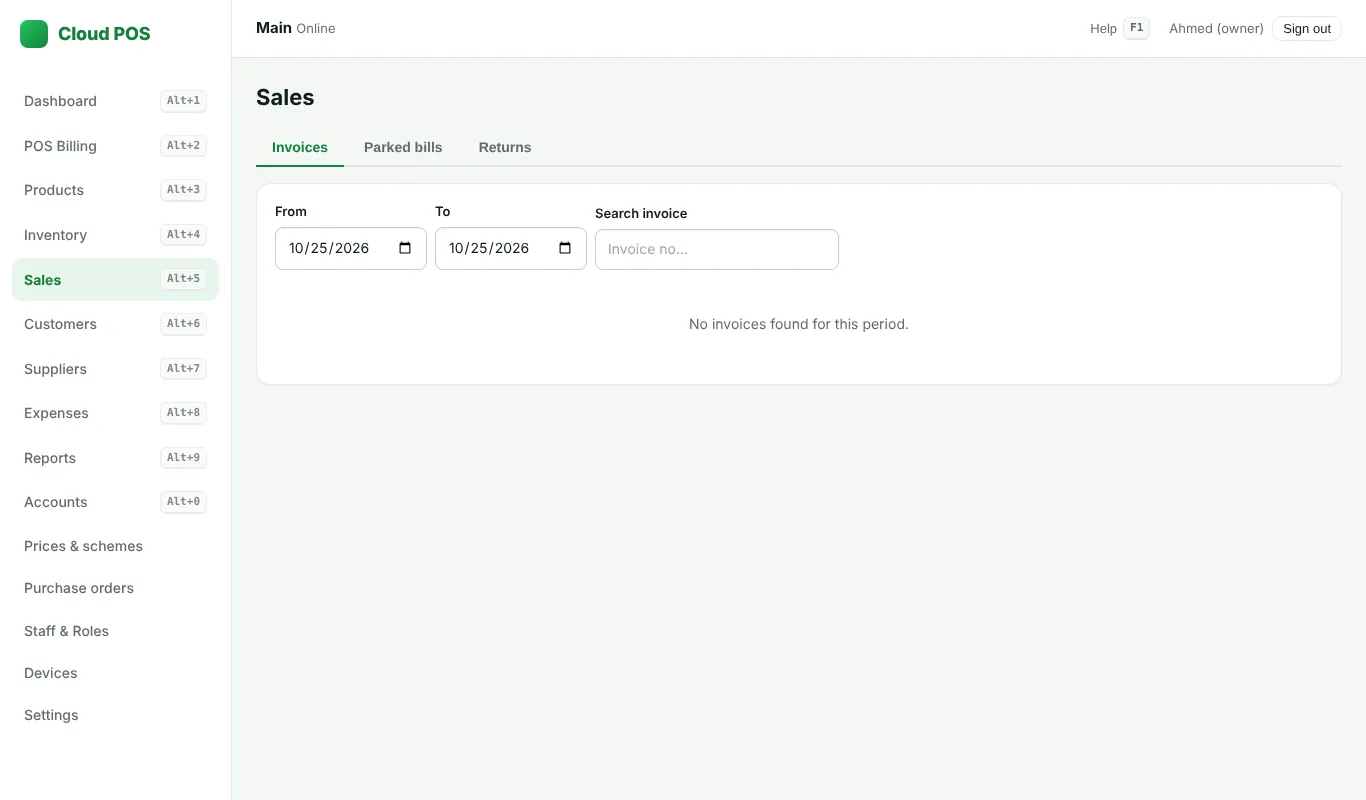
- Open Sales and find the bill.
- Click Return, type the quantity coming back, and save.
- The stock comes back, and the cash or khata is given back.
Void
Click Void and write the reason. The bill stays in the list as "Voided"; nothing is deleted. Only staff allowed to void bills see this.
Edit
Within 48 hours you can click Edit to change the lines. The old version is kept and the bill shows "Edited".
Still stuck? Ask us on WhatsApp: we reply quickly.
Updated 25 October 2026