Help Center › Distributors
Load form and recovery sheet
Two reports every distributor uses daily: what to load, and what to collect.
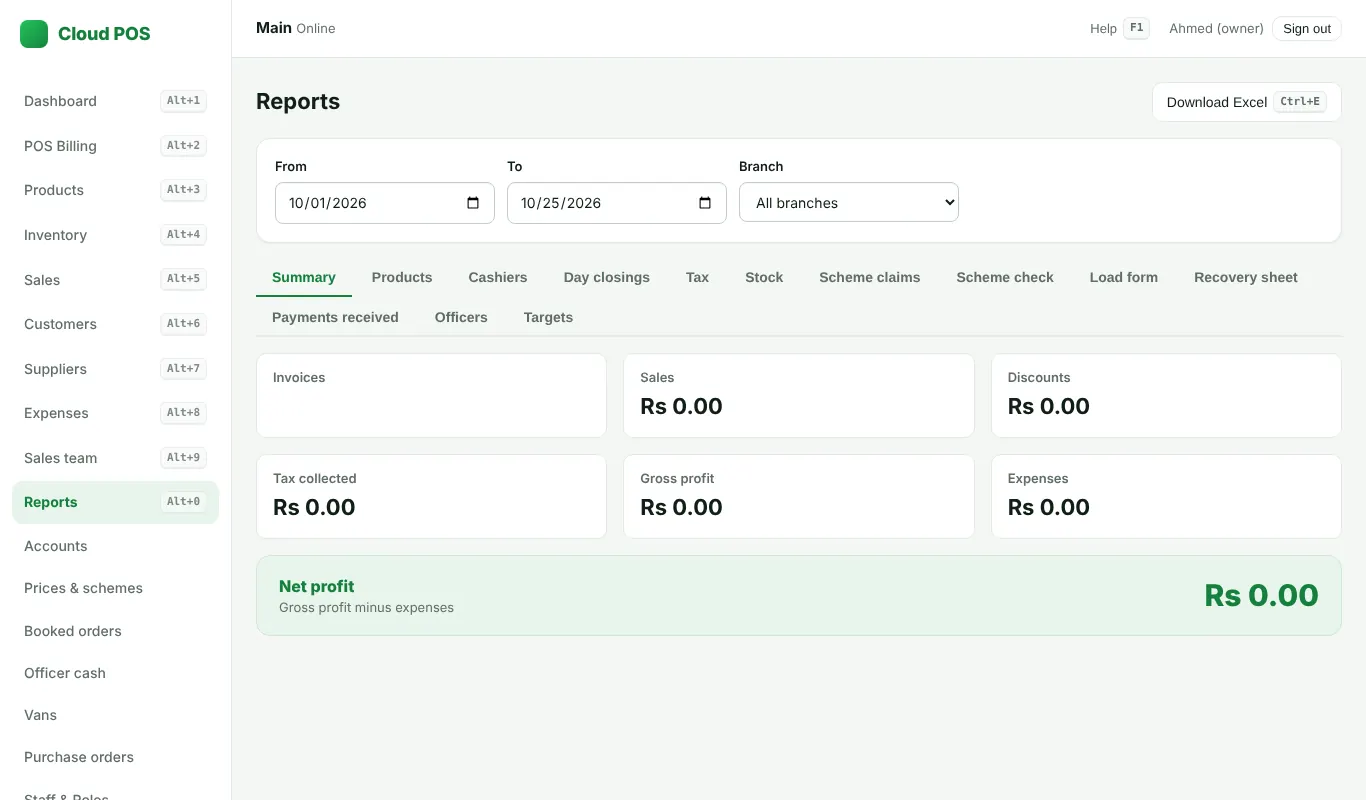
Load form
- Reports → Load form. Pick the day and the officer or area.
- It lists every product by brand in cartons, boxes and loose pieces, with sub-totals. It can also count booked orders not billed yet.
- Print it, or press Ctrl + E for Excel.
Recovery sheet
- Reports → Recovery sheet. Pick the area or officer.
- It lists every shop with a balance, its credit days and a mark on balances over 30 days, with area sub-totals.
- Print it for the route, or press Ctrl + E for Excel.
Guides: Load form format · Recovery sheet.
Still stuck? Ask us on WhatsApp: we reply quickly.
Updated 25 October 2026