Help Center › Billing
JazzCash and Easypaisa QR
Customers can scan your QR and pay. The money goes straight to your own wallet; SundarVahi never touches it.
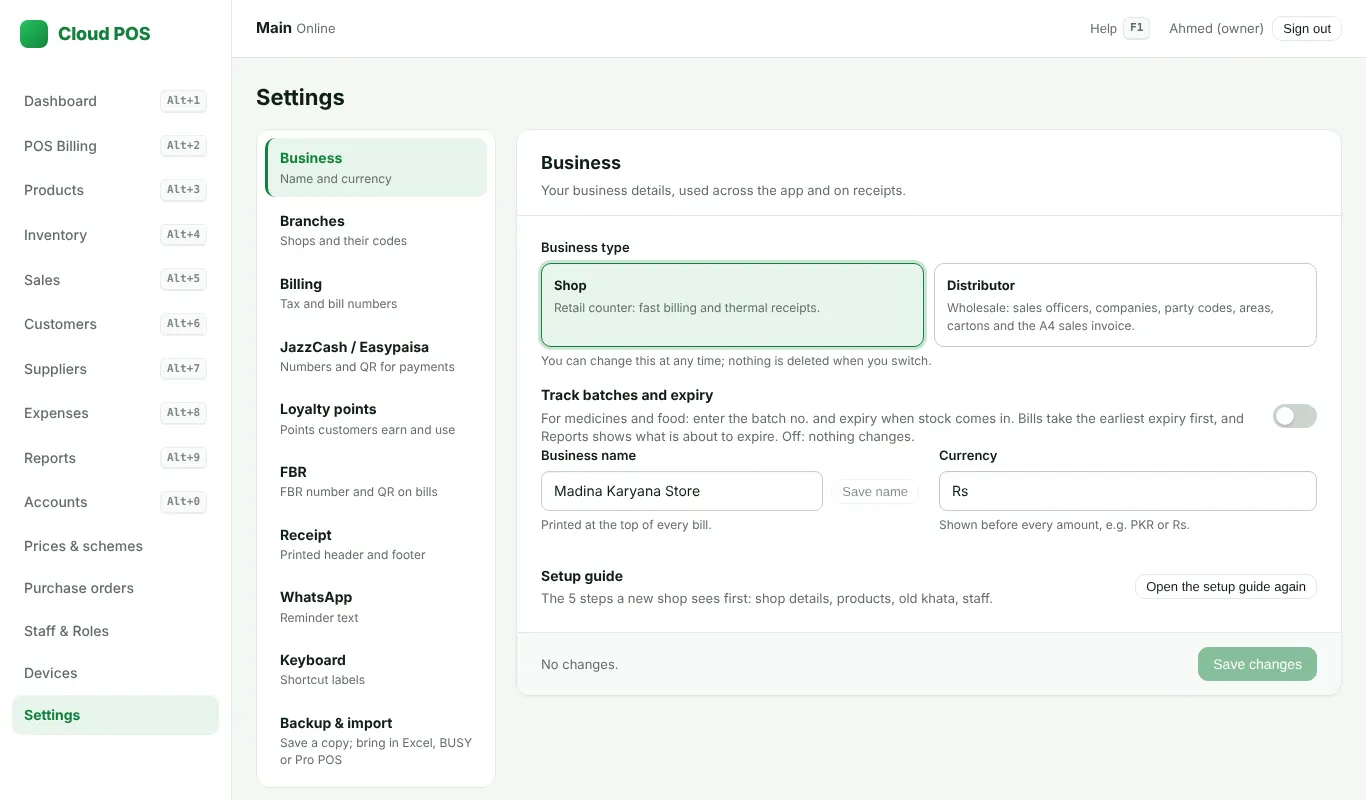
Set up
- Open Settings → JazzCash / Easypaisa.
- Type your wallet numbers and names, and add the QR picture from your wallet app.
- Tick the option to print the QR on bills if you want it on paper too. Save.
At the bill
- Press F11 for JazzCash; press it again for Easypaisa. Your QR and number show on the screen with the amount (and print on the bill if you turned that on).
- Check that the money arrived in your wallet before the customer leaves, then finish with F12.
Wallet payments are counted on their own in the day close, not as cash.
Still stuck? Ask us on WhatsApp: we reply quickly.
Updated 25 October 2026